
Organize your browser
in one click

A Chrome extension to organize, find, and manage open tabs

Available in the Chrome Web Store

What you can do

What you can do with Unmessy Tabs

Organize crowded Chrome windows, find open or recently closed tabs, and manage native Chrome tab groups from one compact side panel.

Group related Chrome tabs in one click

Open Unmessy Tabs and click to group related tabs automatically. The extension creates native Chrome tab groups so your browser is easier to scan.

  • Group related Chrome tabs in one click.
  • Keep Chrome’s native tab-group workflow instead of replacing it.
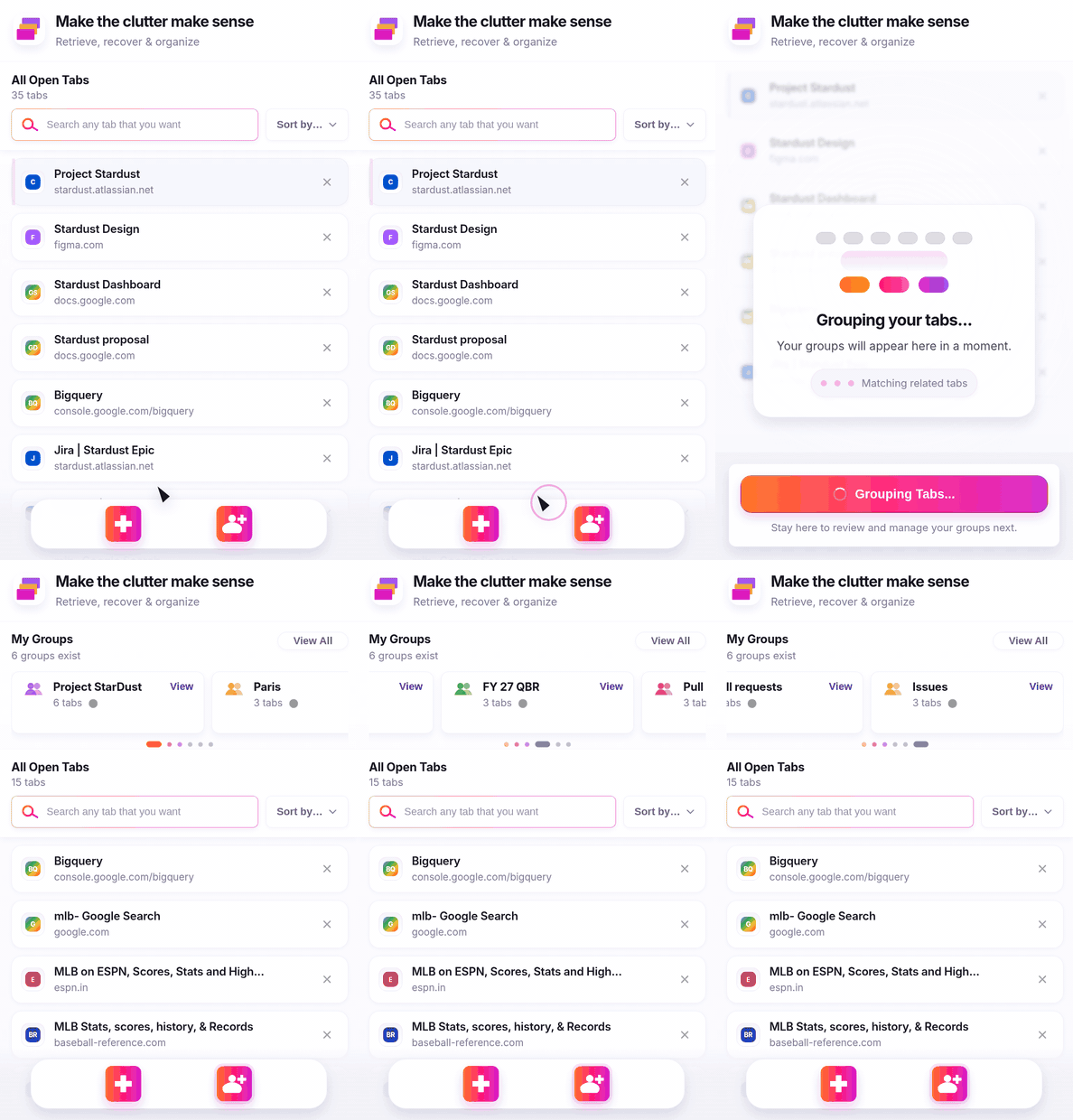
Animation showing Unmessy Tabs grouping related Chrome tabs into native tab groups

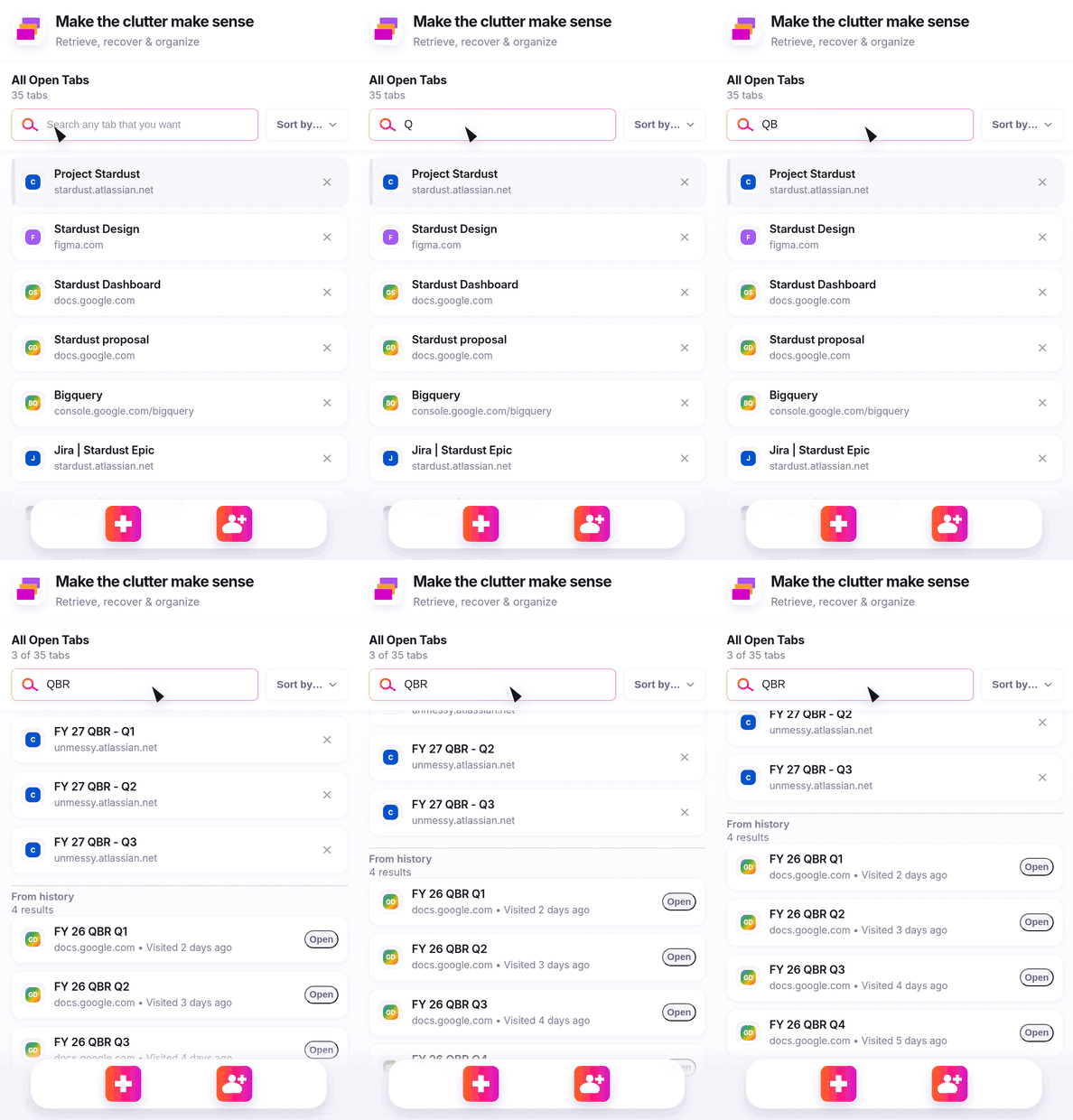
Search open and recently closed tabs

Use Unmessy Tabs search to find open tabs by title, website, or topic, then jump back to the page you need.

  • Search open tabs by title, website, or topic.
  • Find recently closed tabs using optional browsing history search.
Animation showing Unmessy Tabs searching open and recently closed Chrome tabs

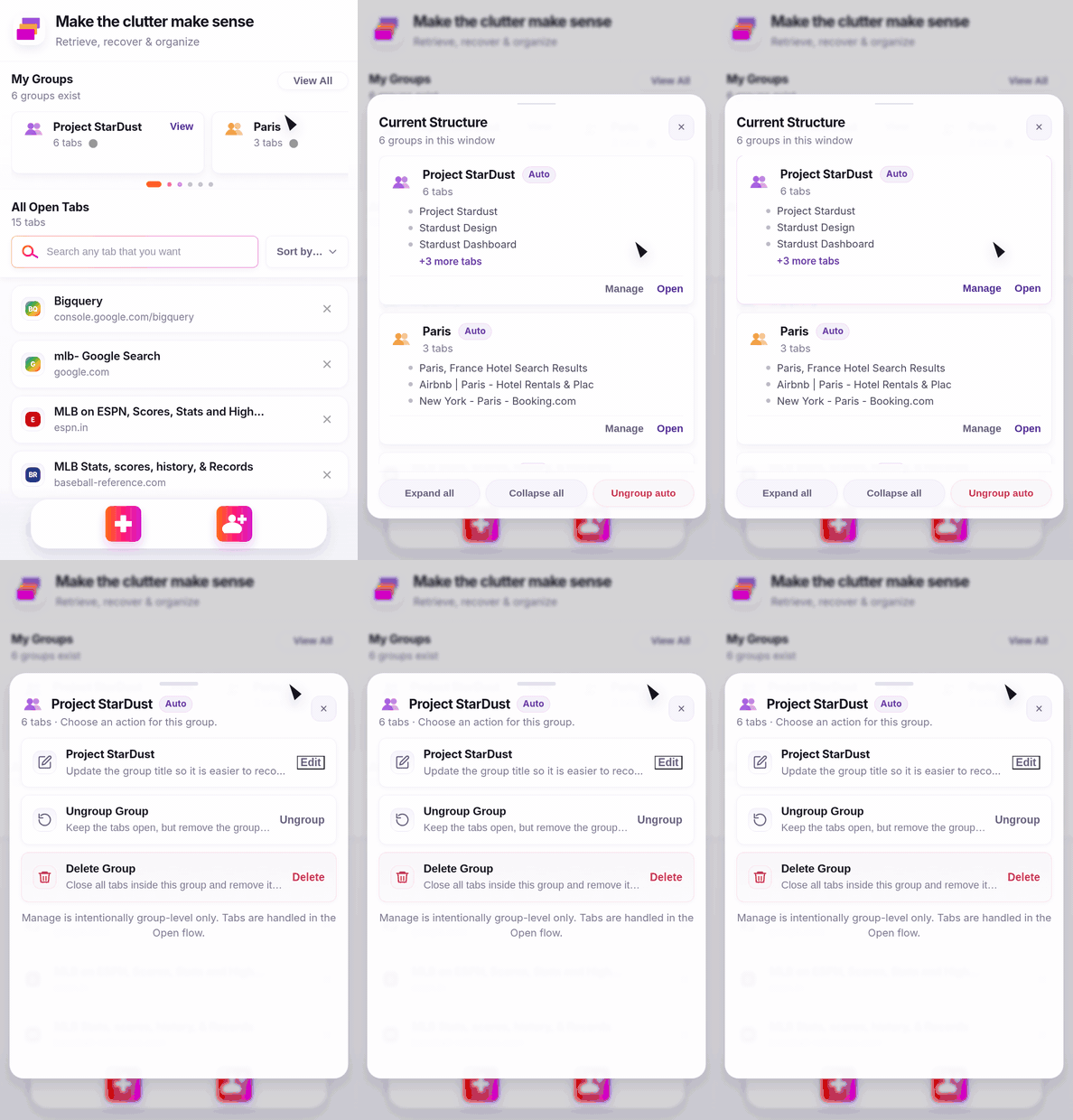
Manage Chrome tab groups from one side panel

Manage Chrome tab groups from one compact side panel so you can work with tab clutter without repeatedly scanning the tab strip.

  • Expand, collapse, rename, open, ungroup, and clean up groups.
  • Stay on your current page while managing the rest of your browser workspace.
Animation showing Unmessy Tabs managing Chrome tab groups from the side panel

Designed for privacy

Your tab titles, URLs, group names, page contents, search queries, and browsing history stay on your device.

  • No account needed.
  • No tab data sold or shared.
  • Optional browsing history permission is used only for history-based recovery.
Animation showing Unmessy Tabs privacy-guaranteed interface

Common questions

Common questions

Answers to the questions people ask before installing Unmessy Tabs.

What does Unmessy Tabs do?

Unmessy Tabs organizes Chrome tabs into groups, helps you search open and recently closed tabs, and lets you manage tab groups from a side panel.

Can Unmessy Tabs search closed tabs?

Yes. With optional history permission, Unmessy Tabs can help you find recently visited pages that are no longer open.

Does Unmessy Tabs upload my tab data?

No. Your tab titles, URLs, group names, page contents, browsing history, search queries, and workspace data stay on your device.

Is Unmessy Tabs a replacement for Chrome tab groups?

No. Unmessy Tabs works with Chrome tab groups and makes them easier to create, search, and manage.

Who is Unmessy Tabs for?

Unmessy Tabs is for anyone with too many Chrome tabs who wants a faster way to organize tabs, find pages, reduce clutter, and manage browser workspaces.

What can I do with Unmessy Tabs?

Unmessy Tabs helps you:

  • Organize Chrome tabs faster
  • Search open tabs quickly
  • Reopen recently visited pages
  • Reduce browser clutter
  • Manage Chrome tab groups without drag-and-drop
  • Keep your workspace easier to scan
  • Stay focused while switching between tasks
  • Find lost tabs by title, website, or topic
Is Unmessy Tabs Private?

Yes. Unmessy Tabs is designed to process tab and group information locally in your browser. The extension does not send tab URLs, tab titles, browsing history, page contents, group names, or locally stored workspace data to the developer or any third party.

Add Unmessy Tabs to Chrome

A private Chrome tab manager for people with too many tabs. Group related tabs, search your browser faster, and manage tab clutter from one side panel.

Add to Chrome